My tech setup
February 6th, 2026 - Written by Andreas
In choosing my hardware and software, I try to pick more ethical alternatives than what is perhaps popular. I try to look for open-source, or at least European products as much as I can. However, I am not very hardcore in the sense that I’d sacrifice all usability to attain these goals. I would say I’m rather pragmatic in this: I try to strive for open, ethical software to the extent that it serves me, but if I have to stick to some less-desirable alternative for the time being for practical reasons, I can accept that. I thought I’d show you my current setup, both hardware and software wise.
Hardware
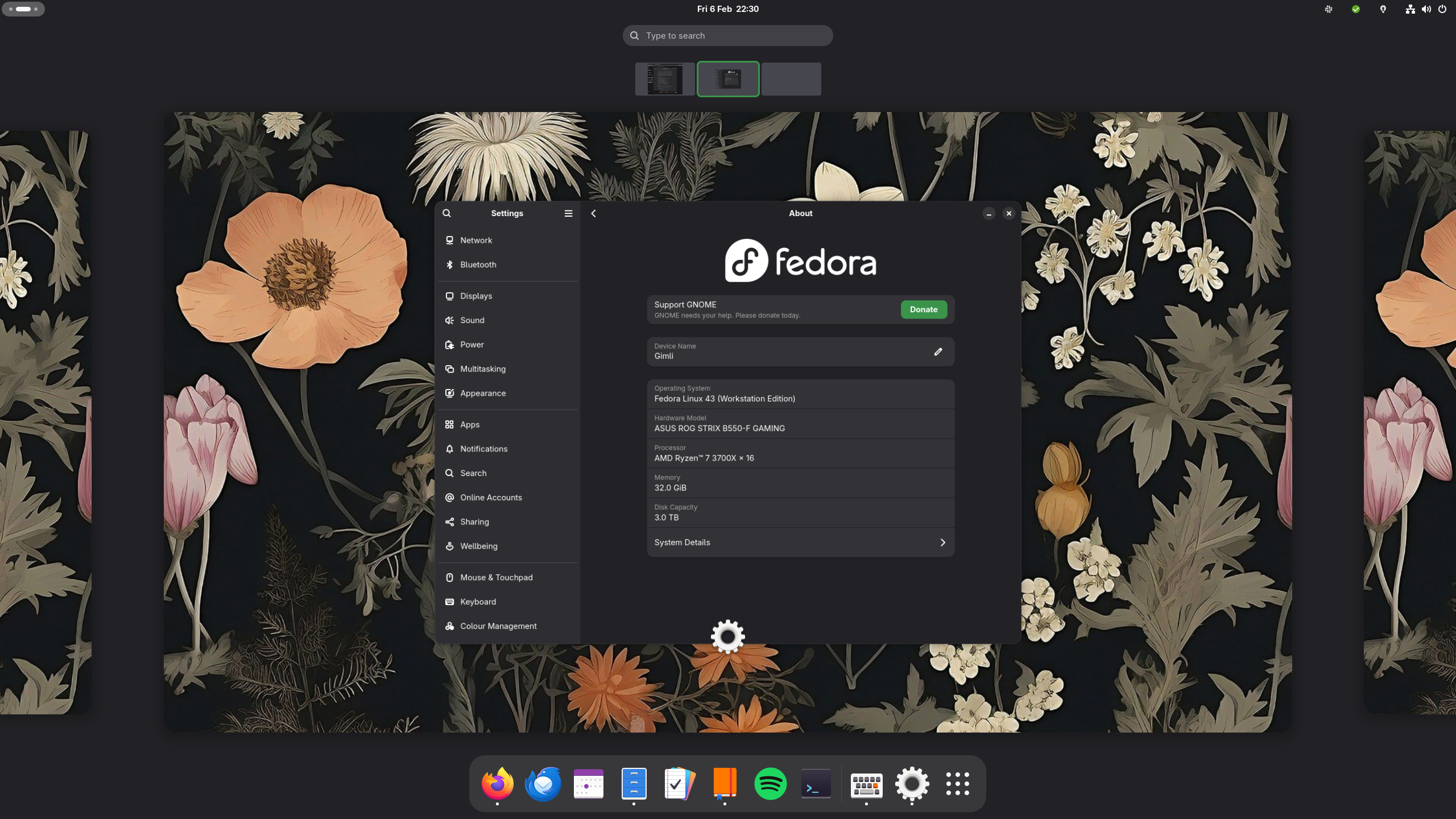
Let’s start off with my physical devices: My phone is a Fairphone 6 running Android 15. I’ve chosen a Fairphone as I wanted to support a more sustainable, European brand with a focus on repairability and device longevity. My computer has a Ryzen 7 3700X with 32 GB DDR4 RAM paired with an Nvidia GTX 1060 6GB.
I’ve got a Philips 27E1N1600AE/00 monitor (1440p, 120 Hz). My mouse is a CM310 which I’ve had for ages; my keyboard is a Keychron C2 Pro with Keychron’s own Banana switches.
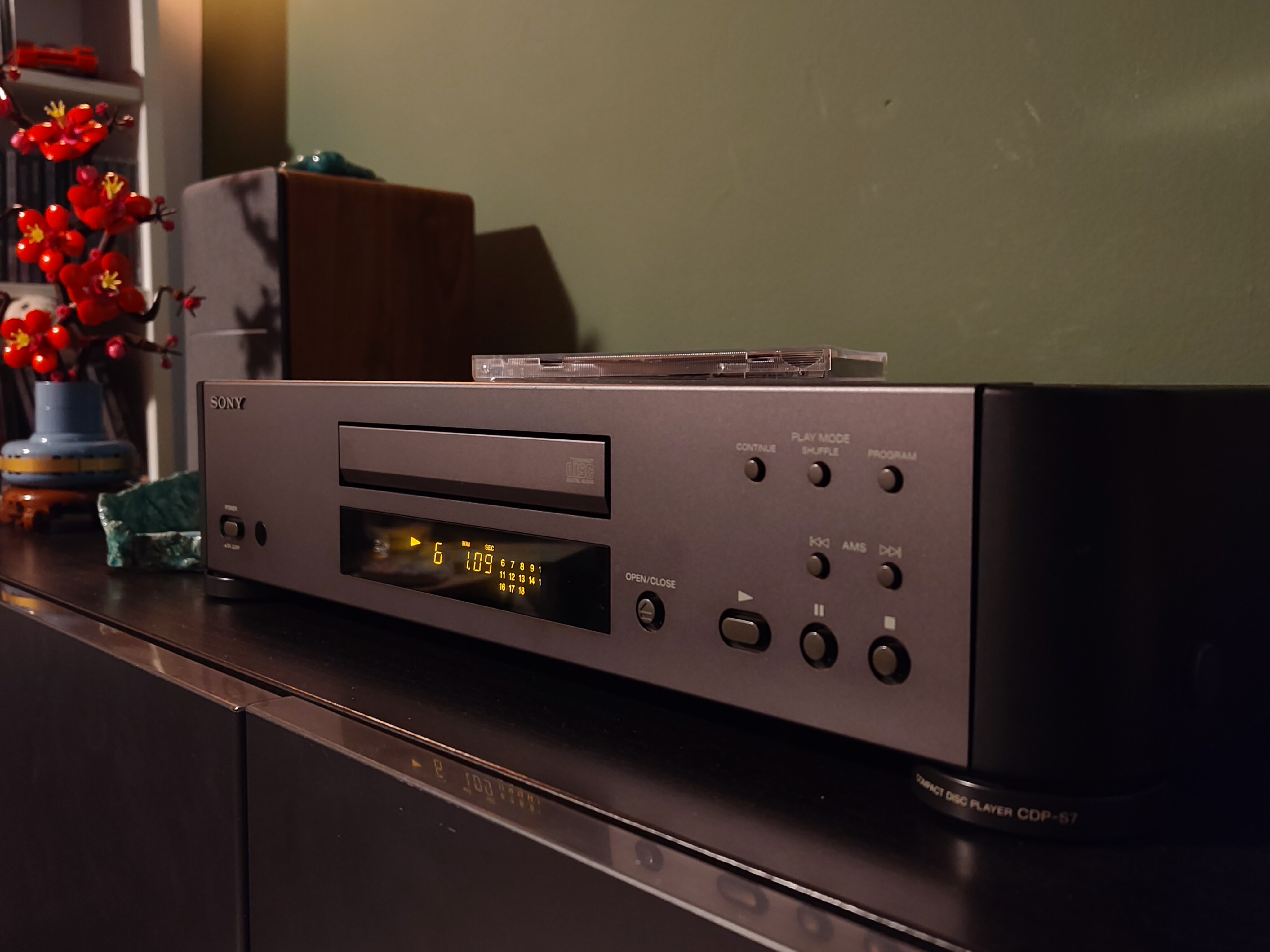
To listen to music at home, I mostly use my Edifier R1280T speakers. They’re wired up to a Sony CDP-S7 CD player. On the go, I use my refurbished Sennheiser Momentum 4 headphones (which are absolutely fantastic!). I also have a set of Galaxy Buds+, which are useful for meetings or when I can’t take my headphones.
Software
As for software, I like to use as much open-source software as I can. Aside from the ethical grounds for using open-source software, it is good not to be reliant on software from a tech giant who can force anything down your throat (e.g., Microsoft and their Copilot AI). On my computer, I run Fedora Linux 43 with GNOME 49. My browser of choice is Mozilla Firefox1 and my email client is Mozilla Thunderbird, both on my phone and my computer.
To access my calendar, hosted on Nextcloud, I use the default applications on my computer and phone, which are GNOME Calendar and Google Calendar, respectively. To access tasks, I use Planify and the Tasks.org Android app; for notes, I use Iotas and Nextcloud Notes. This allows me to seamlessly synchronise my calendar, contacts, and notes between all my devices.
My local collection of music mostly comes from my CDs, so I don’t really listen to that on my computer, as I’d be at my desk where I can also play the CDs themselves. If I want to stream music, I’m still stuck with Spotify (but see this post for alternatives).
Document, photo, and video editing are activities I really only do on my computer. For office work, I use the LibreOffice suite as well as TeXStudio (I much prefer document creation in LaTeX, especially for long texts). For photo editing, I use GIMP; to edit RAW images taken with my camera, I use RawTherapee. To edit videos, I use Kdenlive; to record my screen, I use GNOME’s built-in screen recorder or OBS Studio if I require more advanced functionality.
| Service | Computer | Phone |
|---|---|---|
| Operating System | Fedora Linux 43 | Android 15 |
| Browser | Firefox | Firefox |
| Thunderbird | Thunderbird | |
| Calendar | GNOME Calendar | Google Calendar |
| Tasks | Planify | Tasks.org |
| Notes | Iotas | Nextcloud Notes |
| Music | GNOME Music, Spotify | PixelPlay, Spotify |
| Office suite | LibreOffice, TexStudio | N/A |
| Photo editing | GIMP, RawTherapee | N/A |
| Video editing | Kdenlive, OBS Studio | N/A |
Online
As you might have seen, for cloud storage (including calender, contacts, notes, and tasks), I use Nextcloud. My email is hosted (encrypted) at Mailbox.org.
Other services I regularly use are Signal and WhatsApp for messaging (I’m trying to convince others to switch to Signal, but that’s still rather tough…); Bitwarden for password management; OpenStreetMaps and Google Maps for navigation (I would love to switch away from Google, but Google Maps is unfortunately still the best in my opinion); StoryGraph for book tracking; and YouTube for entertainment.
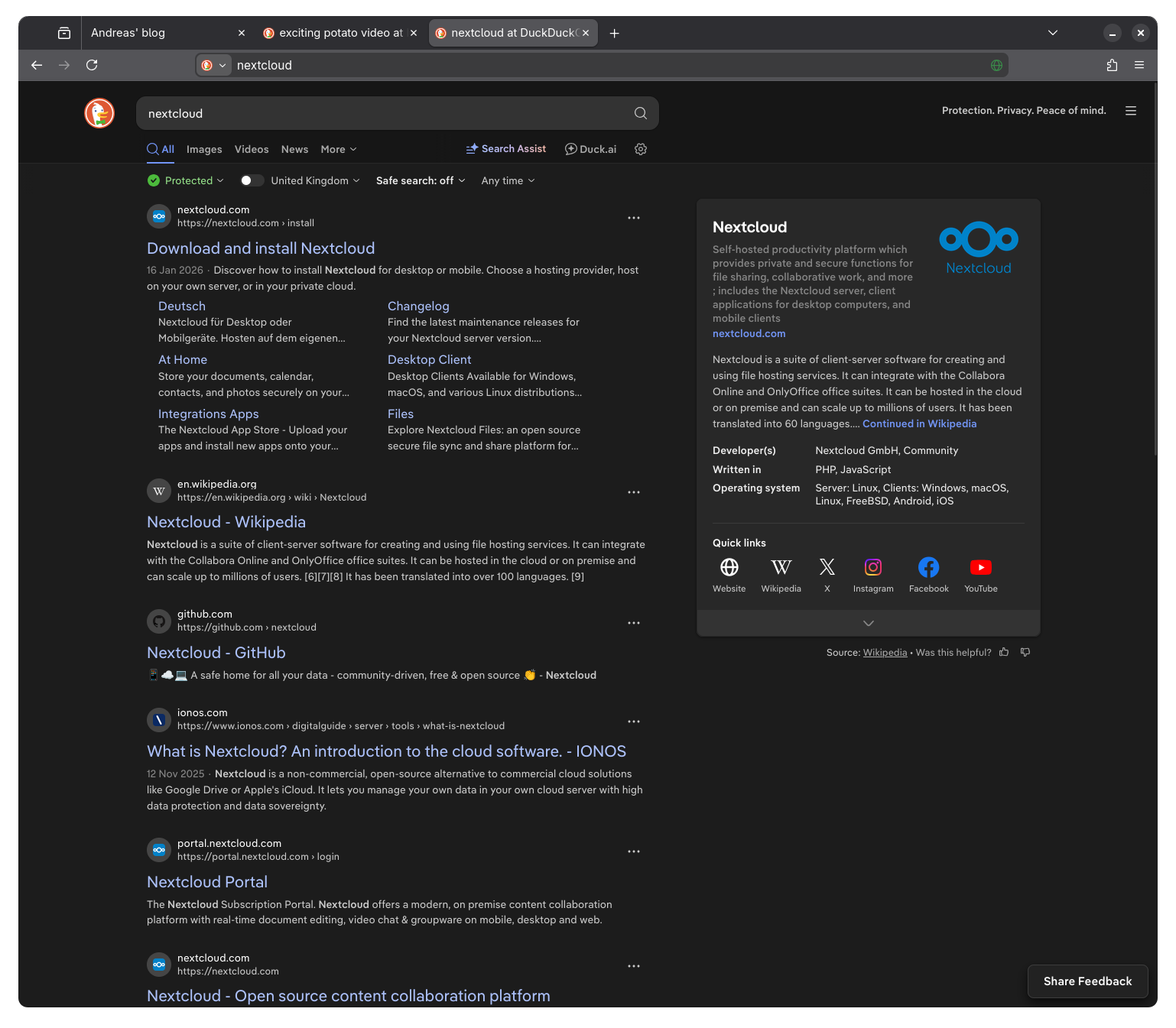
I use DuckDuckGo as my search engine, as a more ethical Google Search replacement. If I need to use an LLM, I will use Le Chat (which is by Mistral, a European company), or Duck.ai (from DuckDuckGo). I try to use these as little as possible because of concerns regarding ethics behind them and resources required to train these models.
Conclusion
Obviously, my setup is not perfect yet. There are still some proprietary services from big, dubious companies that I use (such as WhatsApp, Discord, Google Maps, and Spotify). I’d love to replace them but this is either difficult due to social contacts or because I’ve simply not yet found a suitable replacement. In this situation, at some point, I must also consider practicality of other solutions. For me, it is a trade-off, but I try to be on the open-source and free software side of things.
I am always curious as to what other people’s setups look like. If you want to share your setup, tools, or perhaps software recommendations, please feel free to get in touch at mail [ at ] andreasknoben [ dot ] nl!
As a side note, I think it is very important to support Firefox at this stage as it is one of the few browsers currently not based on the Chromium engine. It would be bad to have the browser landscape be completely dominated by Google and their Chromium base.↩︎
Andreas' blog © 2026 by Andreas Knoben is licensed under CC BY-SA 4.0

