Switching over to Linux completely
January 18, 2026 - Written by Andreas
Although my main devices have been on Linux for many years now, I still had my old “gaming” PC that was running Windows (for the sake of games). Recently however, I decided to upgrade this computer and thereby making it my main PC too, i.e., for productivity but also gaming or things like photo and video editing.
Why switch to Linux?
Microsoft Windows is increasingly becoming a privacy and user nightmare, with features such as Recall and Copilot AI being shoved down your throat in every part of the operating system (even the File Explorer and Paint!). Microsoft also doesn’t shy away from pushing you into their ecosystem by disabling offline accounts and using OneDrive invisibly. Finally, Windows sends a lot of data back to Microsoft’s servers.
One of the reasons Microsoft can get away with this, is because (besides being a money-hungry company) Windows is a closed-source, proprietary piece of software. Only Microsoft has the code and can decide what they put in it and what they don’t; the users don’t have any power or say over this. Furthermore, they have quite the monopoly on computer operating systems. Think of all the software people rely on that only works on Windows (or macOS), such as the Microsoft Office or the Adobe suite, but also video games. This means that Microsoft can sustain this monopoly and can essentially do whatever they want without users walking away.
Linux on the other hand is open source and free (free as in beer and free as in freedom), which means the community gets to participate in its development and anyone can get the code (and change things in it). This means there are more eyes on security, and the project cannot be determined solely by one actor. Linux is quite popular on servers due to its stability, security, and cost-effectiveness. For example, on websites, its usage share seems to be around 90%.
Unfortunately, Linux is not as popular on computers, mainly because it never ships on them by default and most people are used to Windows. However, in recent years Linux has become an especially suitable alternative to Windows. With many distributions (sort of the underlying operating system, a set of packages built around the main Linux kernel) and desktop environments (the graphical interface that the user sees) available, there is a flavour for any user. If you’re coming from Windows and you’d like to give it a shot, I can wholeheartedly recommend Linux Mint, an excellent starting distribution.
What was holding me back?
The computer that still had Windows on it was mainly used for the rare gaming session, as it housed my GPU. However, with the recent release of the Steam Deck (which runs Linux), there has been considerable effort and progress in running even Windows-only games on Steam (check out the Wine and Proton projects if you’re interested).
Another issue that has plagued Linux users for a while is Nvidia GPU support, with Nvidia refusing to make proper drivers for Linux. (Relevant:)
Fortunately, this situation has also been improving recently. Distributions like Ubuntu and Linux Mint even come with graphical interfaces by default to manage these drivers. However, I was eyeing Fedora Linux, which does not do so—but, as we’ll see later, this was still trivially easy.
I also had already switched to Linux-compatible (or even Linux-first) software for most of my applications, as my other machines ran Linux. To anyone wanting to switch, I would recommend switching over to applications that work on Linux as well as Windows first, so you can try them out on your existing system first. Here’s a little table to help you find Linux-compatible alternatives:
| Category | Windows/macOS-only | Linux application |
|---|---|---|
| Office suite | Microsoft Office | LibreOffice |
| Email client | Microsoft Outlook | Mozilla Thunderbird |
| Photo editing | Adobe Photoshop | GIMP |
| Vector graphics | Adobe Illustrator | Inkscape |
| Digital drawing | Photoshop/Illustrator | Krita |
| Video editing | Adobe Premiere | Kdenlive |
Note that there are also a lot of Linux-native applications, such as Firefox, Steam, Spotify, Discord, etc. You can check out the Linux software centre Flathub to get an idea of what’s available.
Using Fedora Linux (and gaming)
Besides from those two worries, I made the decision to switch over to Fedora Linux following my research on these topics and finding out the situation has been improved. And I must say—it runs absolutely flawlessly. I am using the GNOME desktop environment and everything is buttery smooth and fast.
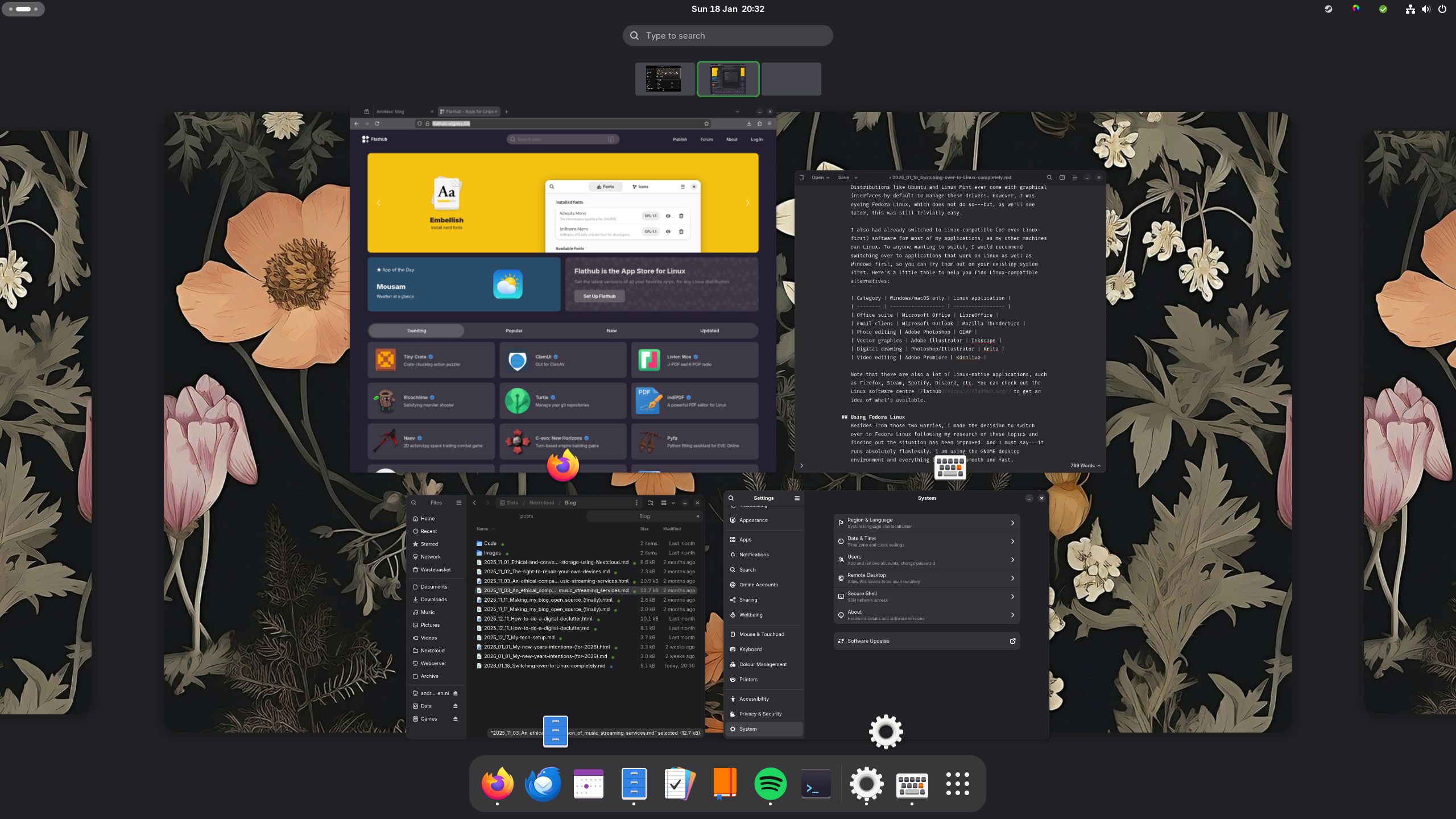
The issues I discussed before were trivially easy to solve (or were not even issues in the first place). To install the drivers for my Nvidia GPU, I only had to run the following command after enabling the RPM Fusion repository:
sudo dnf install akmod-nvidiaAnd everything worked perfectly fine!
The games that I wanted to play are available on Steam, which automatically applies the correct Proton compatibility tool when running a non-Linux-native game. This means the games I wanted to play (Assetto Corsa Competizione, Euro Truck Simulator 2, Oblivion, The Witcher 3) run without any hassle! Furthermore, I could find someone who had made a kernel driver for my steering wheel (Thrustmaster T300), so that works without problems too.
All in all, I’m having a smooth experience while ensuring my privacy and having my computer work for me, and not the other way around (with useless stuff being shoved down my throat).
If you would be interested in a full guide to Linux, please let me know at mail [at] andreasknoben [dot] nl—or of course, if you have any other thoughts or comments.
< back homeAndreas' blog © 2026 by Andreas Knoben is licensed under CC BY-SA 4.0

